
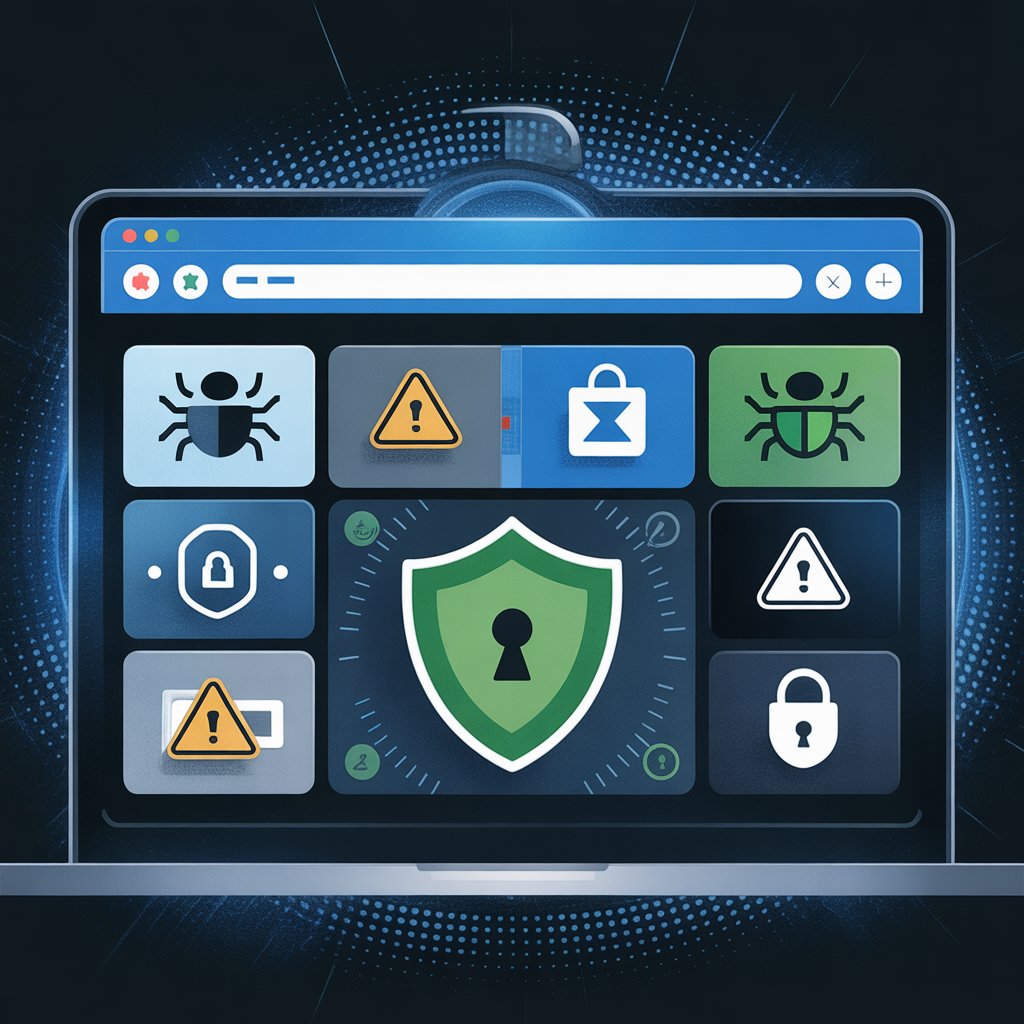
Introduction: What Is a “Browser Agent Security Risk” and Why Should You Care in 2025?
Every time you visit a website, your browser automatically sends a short text string called the User-Agent (UA). This is commonly referred to as the browser agent. It tells the server: “Hi, I’m Chrome 131 on Windows 11” or “I’m Safari on iPhone 16 iOS 18.2”.
Thank you for reading this post, don’t forget to subscribe!While this helps websites serve the correct layout or features, it has become one of the biggest browser agent security risks today. Combined with advanced browser fingerprinting, the seemingly harmless User-Agent can reveal your exact operating system, device model, installed fonts, screen resolution, time zone, and even battery level—often uniquely identifying you across the internet without cookies.
In an era of zero-day exploits, state-level surveillance, and mass data breaches, understanding browser agent security risk is no longer optional for developers, security professionals, or privacy-conscious users. This 5000-word deep dive explains exactly how attackers weaponize browser agents, which specialized browsers (Respondus Lockdown Browser, Discord browser, dark web browsers, etc.) introduce unique risks, and—most importantly—how to protect yourself.
What Exactly Is a Browser Agent?
The User-Agent String Explained
The User-Agent HTTP header is part of every web request. A typical modern User-Agent looks like this:
Mozilla/5.0 (Windows NT 10.0; Win64; x64) AppleWebKit/537.36 (KHTML, like Gecko) Chrome/131.0.0.0 Safari/537.36Even though it says “Mozilla” and “Safari”, you’re actually using Chrome. This legacy format dates back to the 1990s browser wars browser agent security risk.
Beyond the User-Agent: Client Hints and Fingerprinting
Since 2020, Google and others have been pushing Client Hints (low-entropy) and Sec-CH-UA (high-entropy) headers to replace the traditional User-Agent. Unfortunately, websites can still request full details, and most fingerprinting libraries (FingerprintJS, CreepJS, etc.) combine:
- User-Agent / Client Hints
- Canvas & WebGL fingerprint
- Installed fonts
- AudioContext data
- Hardware concurrency
- Screen resolution & color depth
The result? Even in private browser mode or with anonymous browsing, you can still be uniquely tracked.
Common Browser Agent Security Risks in 2025

1. Targeted Exploits and Zero-Day Delivery
Attackers read your User-Agent to serve browser-specific exploits. For example:
- A vulnerable Chrome 129 build on Android → serves a WebKit exploit
- Safari on macOS Sonoma → serves a different zero-day
Real-world example: In 2024, North Korean actors used fake job ads that checked the User-Agent and only delivered a Chrome zero-day to Windows users with Korean language packs.
2. Device and OS Enumeration for Phishing & Social Engineering
Knowing you’re on an unpatched Windows 10 machine or an old iOS version lets attackers craft convincing tech-support scams or fake update pages.
3. Bot Detection Evasion and Account Takeover
Malicious bots spoof legitimate User-Agents from real devices to bypass rate-limiting and CAPTCHA systems on banking or retail sites.
4. Cross-Site Search Attacks (XS-Search)
Some sites log User-Agent strings containing search terms when users click from Google (referrer stripping removed). This can leak private searches.
Privacy Implications: From Proxies to Dark Web Browsers
Proxy Browsers and Anonymous Browsing Myths
Tools marketed as “proxy browser” or “anonymous browsing” apps often only route traffic through a proxy while keeping your real User-Agent intact. Sophisticated trackers immediately see the mismatch and flag or block you—or worse, log both identities browser agent security risk.
Private Browser Mode Is Not Enough
Incognito, InPrivate, or Private Browsing prevents local history and cookies but does nothing to hide or randomize your User-Agent and fingerprint.
Dark Web Browsers (Tor Browser, I2P, Lokinet)
Tor Browser is the gold standard because it:
- Forces a uniform User-Agent across all users
- Disables risky APIs
- Randomizes canvas/WebGL data
- Routes through three hops
However, misconfigured dark web browsers or exit-node sniffing can still leak your real IP if you log into personal accounts.
Specialized Browsers and Their Unique Security Risks

Respondus Lockdown Browser & Lab Environments
Respondus Lockdown Browser is widely used for proctored online exams. It:
- Disables printing, screenshots, alt-tab, and other apps
- Forces full-screen mode
- Sends detailed environment reports (including User-Agent) to the university
Risks:
- Older versions vulnerable to DLL hijacking
- Sends unencrypted system information in some configurations
- Students sometimes try to bypass it with VMs → triggers academic integrity flags
Tip: Never use Respondus on a personal machine with banking apps installed.
Discord Browser (discord.com/app) and Discord Web Browser
The Discord web client runs in a stripped-down Chromium instance. Known issues:
- Inherits all upstream Chromium vulnerabilities
- Stores authentication tokens in LocalStorage (extractable via XSS)
- User-Agent reveals “Discord Client” → makes you a target for gamer-focused phishing
UCSC Genome Browser and Scientific Web Tools
The UCSC Genome Browser and similar academic tools often run legacy code and accept User-Agent strings containing session IDs or API keys (poor coding practice). This has led to multiple data leaks of sensitive genomic research.
Zen Browser, Mullvad Browser, and LibreWolf
These privacy-hardened Firefox forks randomize or spoof User-Agents by default—greatly reducing browser agent security risk but require disciplined extension management.
How to Clear Browser Cache and Reduce Fingerprint Surface
Clearing cache alone does little for fingerprinting, but it’s still essential:
- Chrome/Edge → Settings → Privacy → Clear browsing data → Cached images and files + Cookies 2 Firefox → Preferences → Privacy & Security → Cookies and Site Data → Clear Data 3 Safari → Develop → Empty Caches (enable Develop menu first)
Better yet, use tools like uBlock Origin + ClearURLs + CanvasBlocker.
Practical Security Tips to Minimize Browser Agent Security Risk
| Risk | Mitigation |
|---|---|
| User-Agent leakage | Use Tor Browser, Mullvad Browser, or Brave with Aggressive fingerprinting protection |
| Client Hints exposure | Disable Sec-CH-UA via brave://flags or about:config (privacy.clientHints.enabled = false) |
| Canvas/WebGL fingerprint | Enable ResistFingerprinting in Firefox-based browsers |
| Font enumeration | Install only essential fonts; use font fingerprint spoofing extensions |
| Dark web usage | Never log into clearnet accounts over Tor; use Whonix or Tails for high-risk activity |
Emerging Threats in 2025–2026
- Partitioned Client Hints (Google’s attempt to reduce fingerprinting—still bypassable)
- WebAuthn device attestation leaking hardware model
- AI-powered fingerprint clustering that identifies you even after spoofing
Conclusion: Take Control of Your Browser Identity Today
The browser agent security risk is not going away. Every default browser leaks a shocking amount of information that attackers, advertisers, and state actors eagerly collect. While perfect anonymity is nearly impossible, you can dramatically reduce your attack surface by:
- Switching to privacy-respecting browsers (Tor, Mullvad, LibreWolf) for sensitive tasks
- Never trusting “proxy browser” apps that don’t also spoof fingerprints
- Understanding the unique risks of tools like Respondus Lockdown Browser and Discord web
- Regularly clearing browser cache and disabling unnecessary features
Safe browsing isn’t about paranoia—it’s about giving yourself the same operational security that threat actors already use against you.
FAQ – Browser Agent Security Risk
Q1: Does VPN + Incognito mode make me anonymous? No. Your User-Agent, canvas fingerprint, and Client Hints remain unchanged and can uniquely identify you.
Q2: Is Tor Browser still the safest option in 2025? Yes for most users. It currently offers the strongest resistance to browser fingerprinting when used correctly (standard mode, no window resizing, no personal logins).
Q3: Why does Respondus Lockdown Browser need my User-Agent? It uses it to verify you’re running the official client and not a virtual machine or modified version.
Q4: Can websites force my real Client Hints even if I block them? Some sites refuse to load without high-entropy hints (Google services, Cloudflare challenges). In those cases you must either allow them or accept reduced functionality.
Q5: Should I spoof my User-Agent manually? Rarely helps. Modern fingerprinting looks at dozens of signals. Spoofing only the UA string actually increases uniqueness and can trigger anti-bot systems.
Q6: Is the Discord browser less secure than the desktop app? The web version has a larger attack surface (XSS, CSP bypasses) and stores tokens less securely. Use the official desktop or mobile client when possible.
Stay vigilant, keep your browsers updated, and remember: in 2025, your browser agent is often the first thing that betrays you.


7 responses to “Browser Agent Security Risk: The Hidden Threats in Your User-Agent String and Browser Fingerprinting (2025 Guide)”
[…] As a journalist covering technology for years, I’ve observed the shift from basic autocomplete features to full-fledged AI agents. Having explored various AI coding tools in real projects, Codex stands out for its ability to handle end-to-end tasks autonomously, making it a key player in developer productivity and software development automation. […]
[…] not a platform that risk management, it warns on leverage (up to 30x in some contexts). Bold Tip: Never risk more than 1% per […]
[…] tools: BI for viz, cloud for pipelines. Integrate governance […]
[…] Features like spatial audio in virtual workspaces and real-time co-editing make teamwork feel natural. For professionals, this reduces inefficiencies often seen in browser-based environments highlighted in browser agent security risks. […]
[…] reported that human error causes 88% of data breaches. No security tool can save someone who clicks every suspicious email […]
[…] Not all smooth. Conflicts of interest with Musk’s roles. Dependency on Big Tech raises security concerns. […]
[…] Instead of connecting directly, your request passes through a proxy, helping with proxy IP masking, secure proxy browsing, and improved […]